
How to set up a digital loyalty card.
Four small steps. Open. Configure. Print. Watch your first customer scan — about ten minutes, start to finish.
14-day free trial · No credit card · Cancel in one click
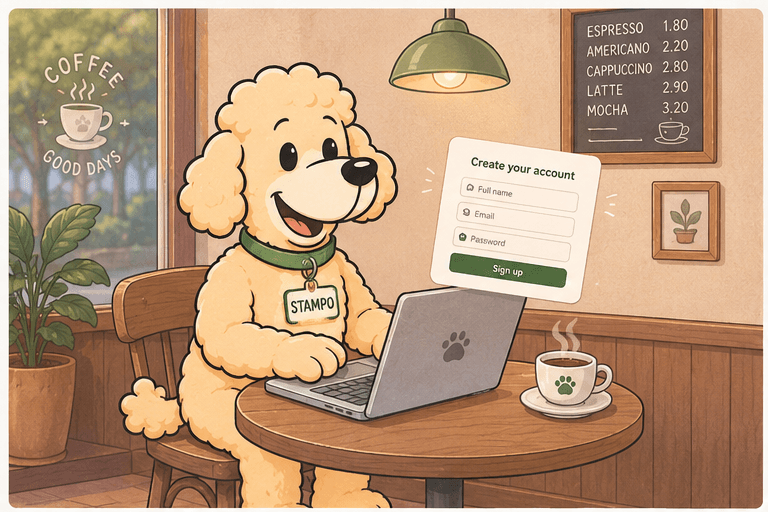
Sign up like any tool — but we promise no setup call.
Email, business name, confirmation link. You're inside in the time it takes to make a coffee, with nothing to install on your side or your customers'.
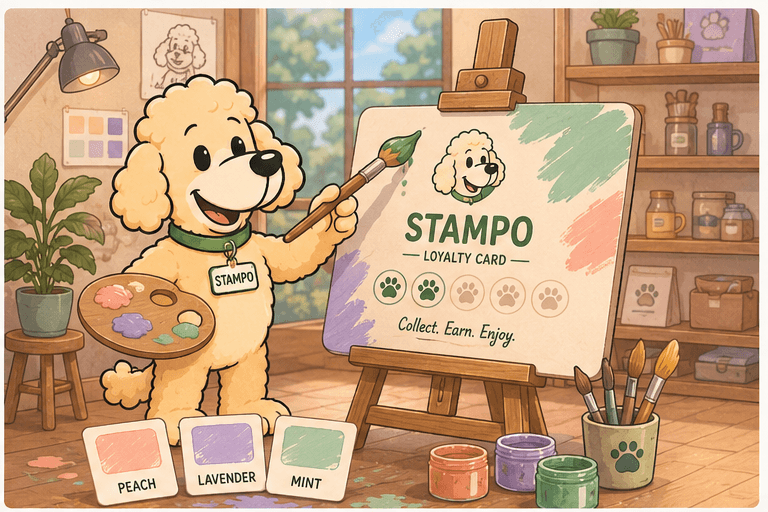
Personalize once, change it whenever the season turns.
Your colors, your logo, your reward. Move the slider, edit the label, swap the palette as often as you like — the live preview shows your customers' card update in real time.
That's the whole setup. Ready to try it?
14-day free trial · No credit card · Cancel in one click
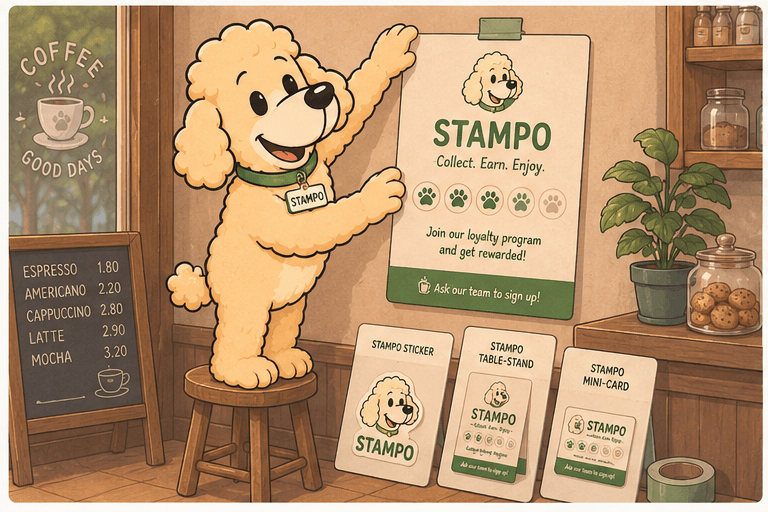
We've already done the design work. You print, you cut, you stick.
One click downloads four PDFs in your brand: A5 poster, A6 sticker, table stand, CB-format mini-card. No designer, no print-shop run — open a home printer, you're shop-ready.
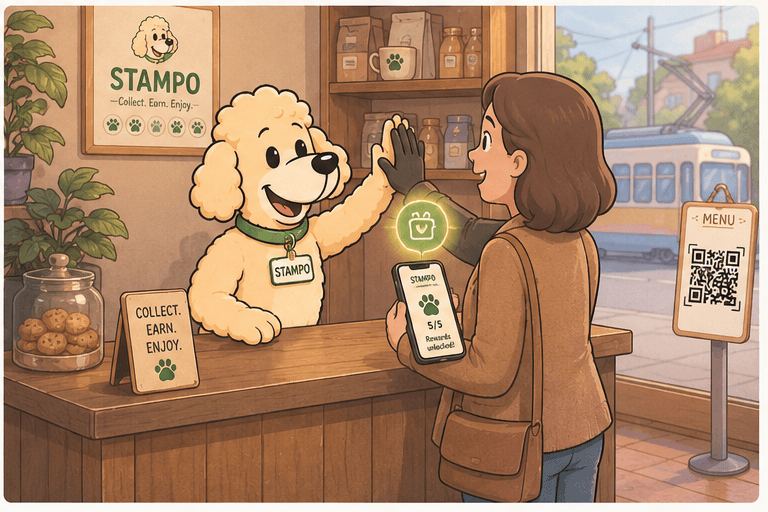
Customer scans, card saves, you see the stamp count update on your screen.
No app store, no friction. The card lands in their Apple Wallet or Google Wallet — already on their phone — and your dashboard shows their first stamp before they leave the counter.
Why Apple & Google Wallet?
Wallet is native on every smartphone. No install to request, no spammy notifications, present when the customer actually needs it.
Paper card
- Lost, crumpled, forgotten
- No customer data
- No way to remind the customer
Dedicated app
- Install required from every customer
- Spammy push notifications
- Uninstalled within 2 weeks
Wallet (Apple + Google)
- Always on the phone
- Native notifications, not spammy
- Visible on the lock screen
Your first customer could scan today.
14-day free trial · No credit card · Cancel in one click